Login
Written By Epic Fantasy Forge
Last updated 7 months ago
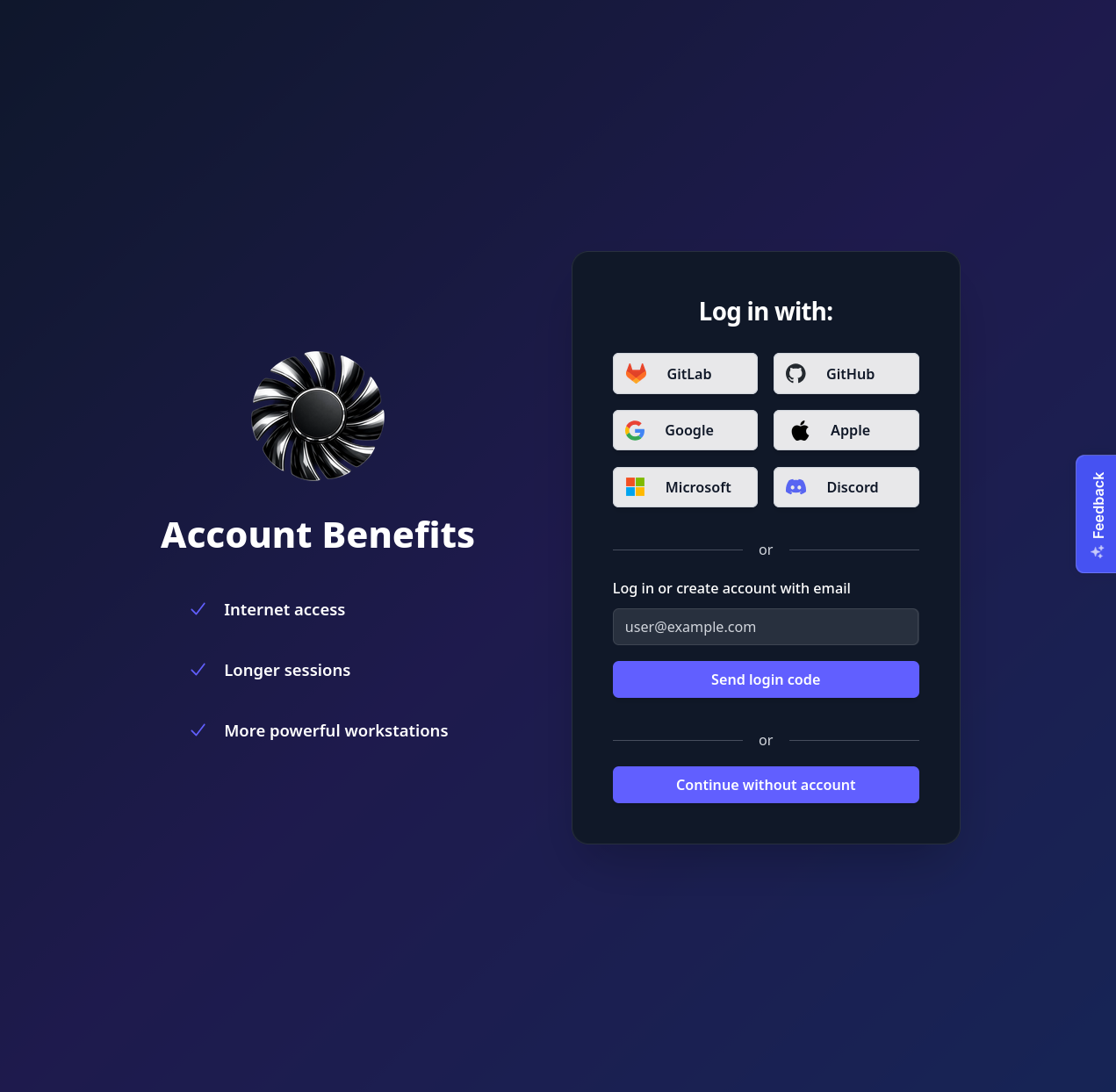
Deskterm can be used both with and without an account. However, without an account, the functionality is limited. Workstation sessions are limited to 5 minutes and there is no internet access within the workstation. It is recommended to use Deskterm with a paid account.
The app will prompt you for your login in the following scenarios:
You are using the app for the first time
You have logged out of the app
The app’s storage was deleted
If none of the above conditions are met then the app remembers your last login choice and proceeds with that.
The app re-authenticates automatically using a refresh token when your authentication token expires. The refresh token is stored locally on your device. The refresh token has no expiration, therefore it should not be necessary to ask you to login again unless you manually log out or delete your app’s storage.
Account Creation
When you login to Deskterm for the first time, an account is automatically created for you. There is no separate “Registration” or “Create Account” process on Deskterm. This works for all available login options.
Authentication options
Deskterm offers multiple authentication options. The traditional option of using a username and password combination is not available since it is considered obsolete.
OAuth
The social login options available are:
GitLab
GitHub
Google
Apple
Microsoft
Discord
To login with any of the above providers, simply select the provider (e.g. “Google”) on the login screen. You will be automatically redirected to the provider’s login page to login. Once you have logged in you are automatically redirected back to Deskterm.
OTP
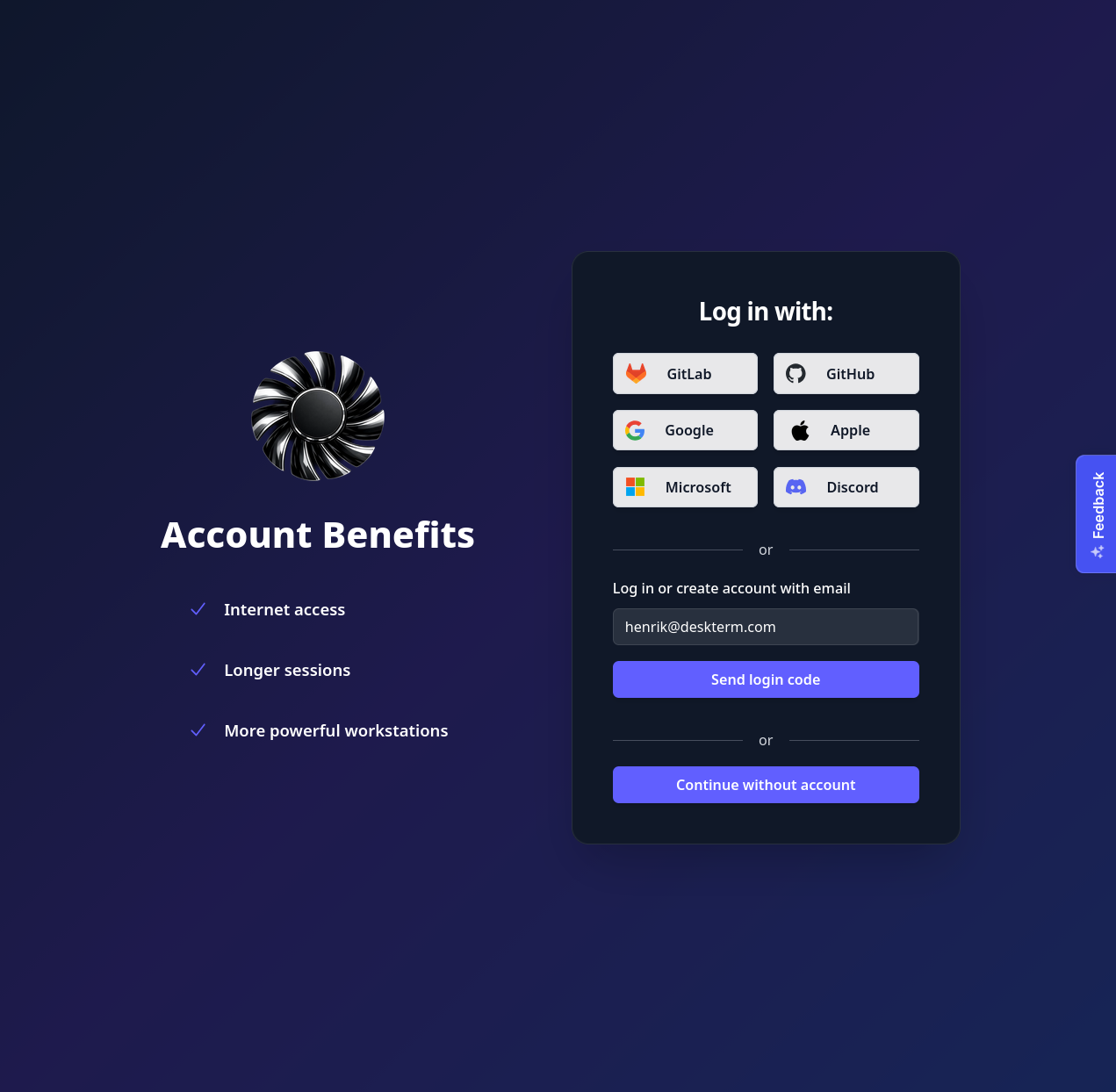
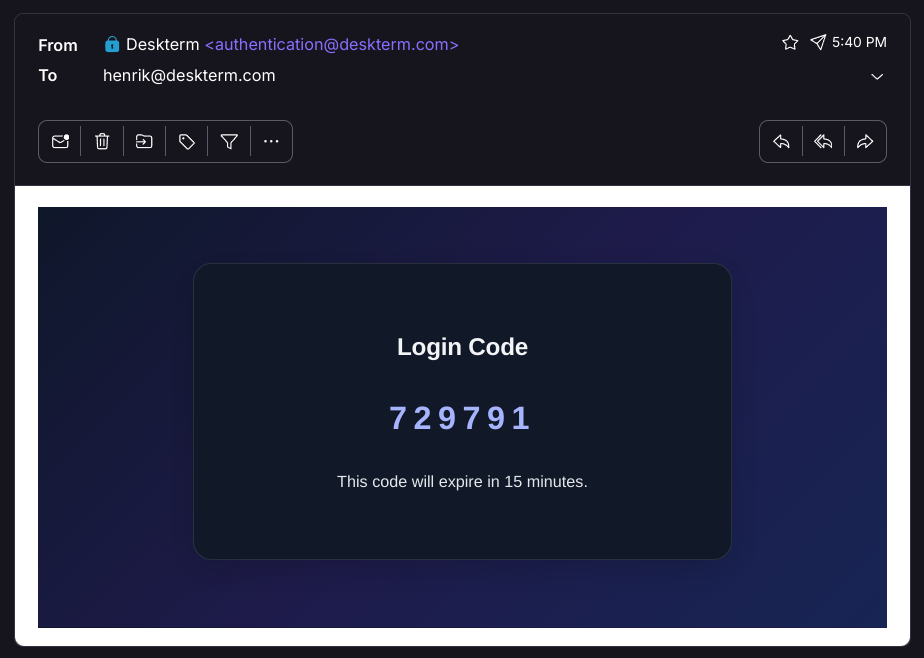
OTP (One Time Password) login requires you to enter a valid email address. After pressing “Send login code” you will be sent a 6 digit code to your email address.
Additionally the OTP section of the login screen will have changed to allow you to enter a 6 digit code. Enter the code sent to your email and click “Verify code”.
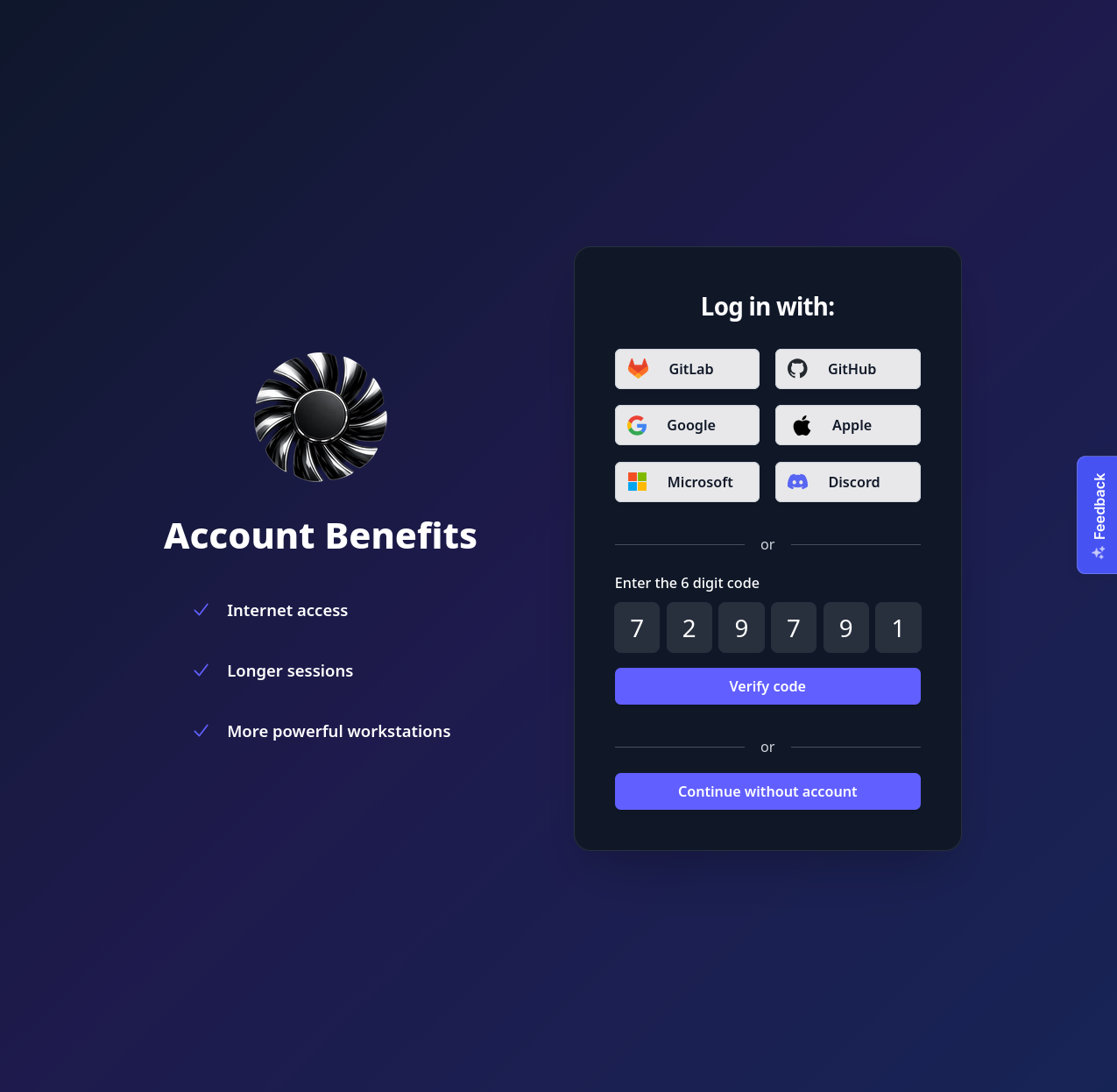
Note that you don’t need to already have an account to use this login option. If you don’t have an account already, a new account will automatically be created tied to your email address once you complete the OTP login.
No account
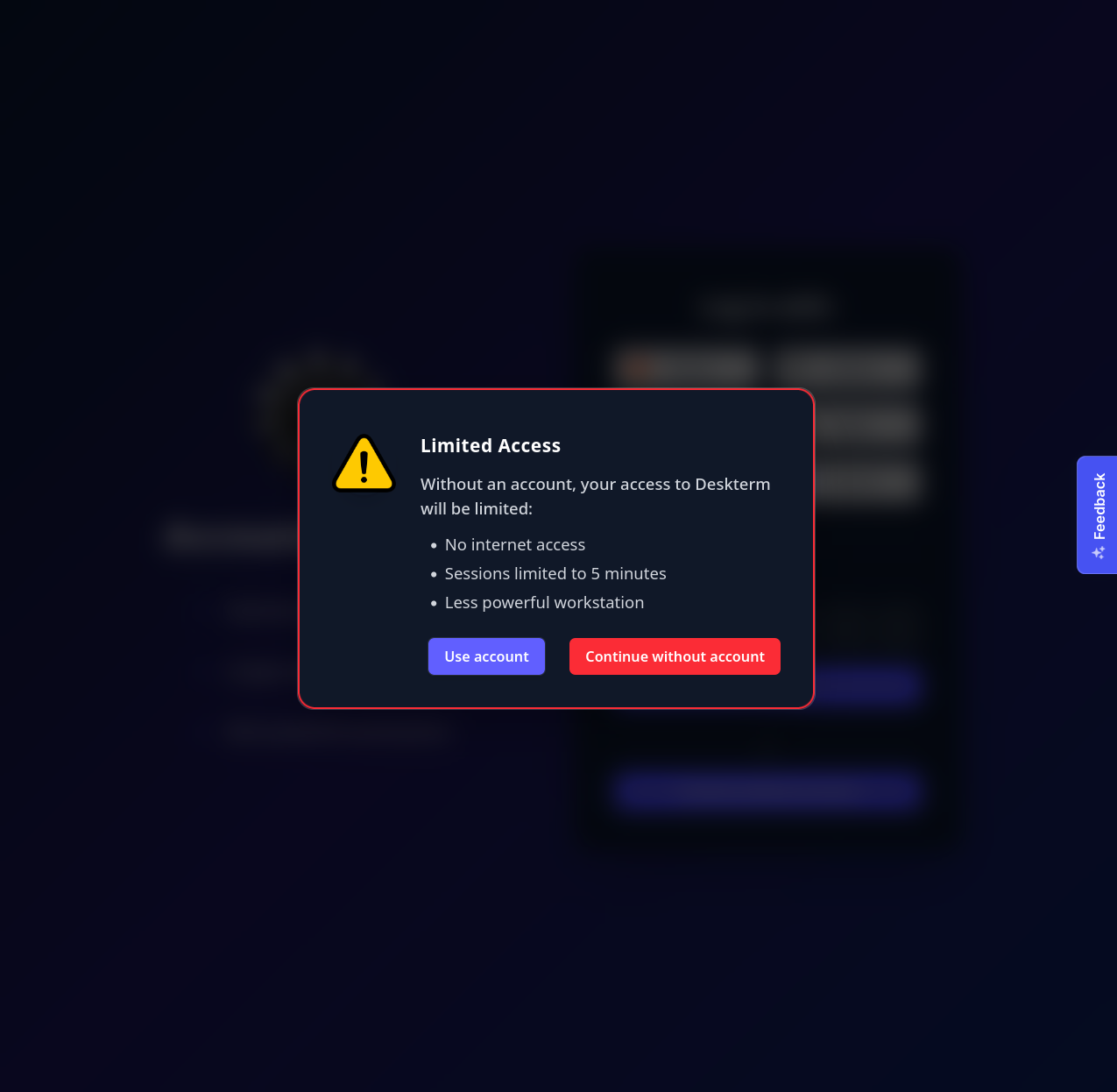
You may use Deskterm without an account by choosing “Continue without account” on the login screen. However, without an account, the functionality is limited. Workstation sessions are limited to 5 minutes and there is no internet access within the workstation. It is recommended to use Deskterm with a paid account.
Successful login
On successful login, you will be automatically navigated to the Overview screen of the app.